
Micro-bidding Tool
Summary
Use the Micro-bidding Tool to assign different bids to specific Source IDs or Sub IDs.
Before You Begin
- Role: Advertiser
- Required information:
- source IDs and/or Sub IDs
- Estimated time: 2-4 minutes
Steps
- Locate the Black/Whitelist section and the Micro-bidding Rules field.
- Click Add bid rule to create a new bidding rule.

- Enter the Source IDs or Sub IDs and set a custom bid for them.
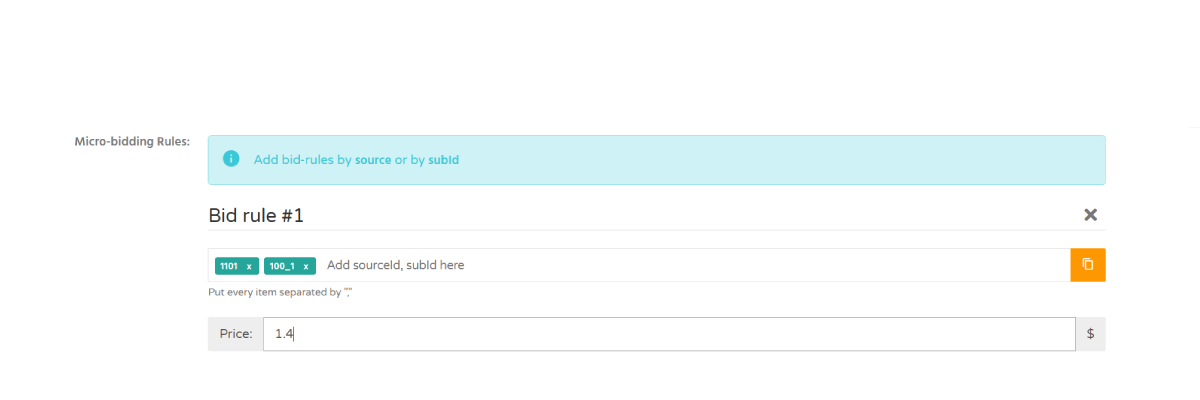
Information: Micro-bidding rules override the default campaign bid for the specified Source IDs or Sub IDs.
- Repeat the process to create additional bidding rules if needed.
Troubleshooting
Issue: I don't know the Source IDs or Sub IDs
Solution:
- use the
{source_id}and{sub_id}parameters in your tracking URL or postback to identify traffic sources and sub-sources.
Verification
After saving the campaign, the configured source IDs or sub-source IDs will appear in the corresponding bid-rule field.