
Create a Link Source
Summary
A Link source allows you to monetize traffic without owning a website. It is designed for webmasters who use social media, redirect traffic, arbitrage traffic, or other external traffic sources.
Note: Link sources do not require website ownership verification or code installation. They are intended for traffic sources that do not have a dedicated website.
Before You Begin
- Role: Webmaster
- Required information:
- Source name
- Traffic category
- Traffic statistics URL - Estimated time: 1-2 minutes
Steps
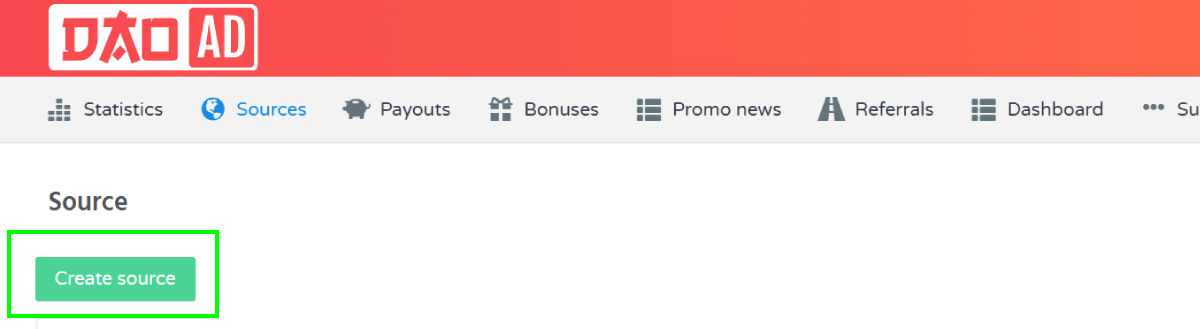
- Navigate to the Sources section and select the desired ad format.
- Click Create Source.
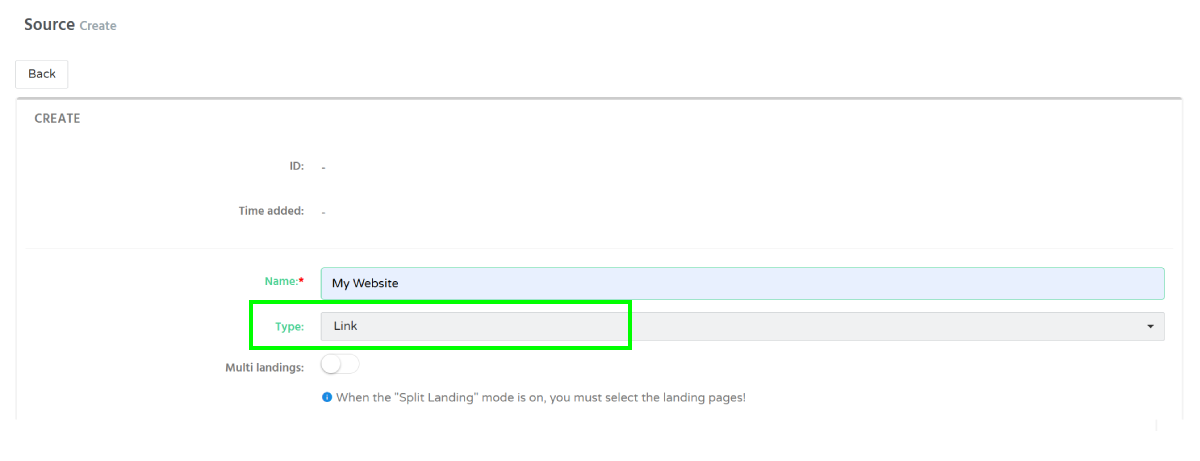
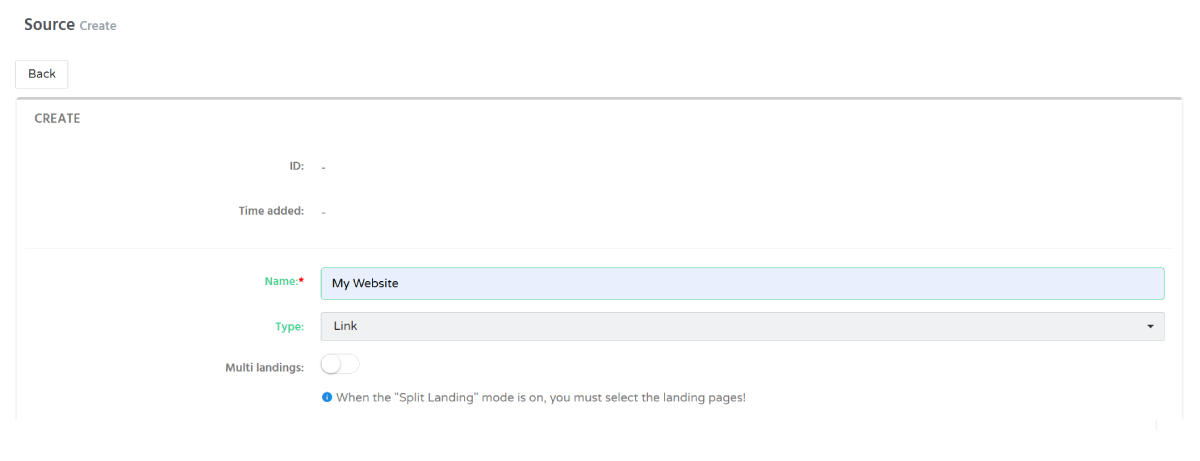
- Enter the Source name and choose Link as the source type.
- Choose one of the available landing pages that matches your traffic source.
- Select the appropriate category:
- Mainstream
- Racy
- Adult - Configure Postback (Optional)
If you use a tracker or external system, you can configure a postback URL to receive conversion events.
Available postback types:
- CPA
- RevShare
- All Events
Enter your Postback URL and select the appropriate postback type. - After submission, the moderation team will verify the provided information and approve or decline the source.
Troubleshooting
Issue: Source was declined during moderation.
Solution: Make sure that:
- The selected category matches your traffic.
- The landing page is appropriate for your audience.
- Traffic statistics are available upon request.
- The provided information accurately describes the traffic source.
After updating the website, try saving the source again.