
Create an account as Webmaster
Summary
Create a Webmaster account on DAO.AD to start monetizing your traffic.
Before You Begin
- Role: Webmaster
- Required information:
- Email address
- Password
- Telegram username
- Estimated time: 5 minutes
Steps
- Open the DAO.AD homepage and click Registration.
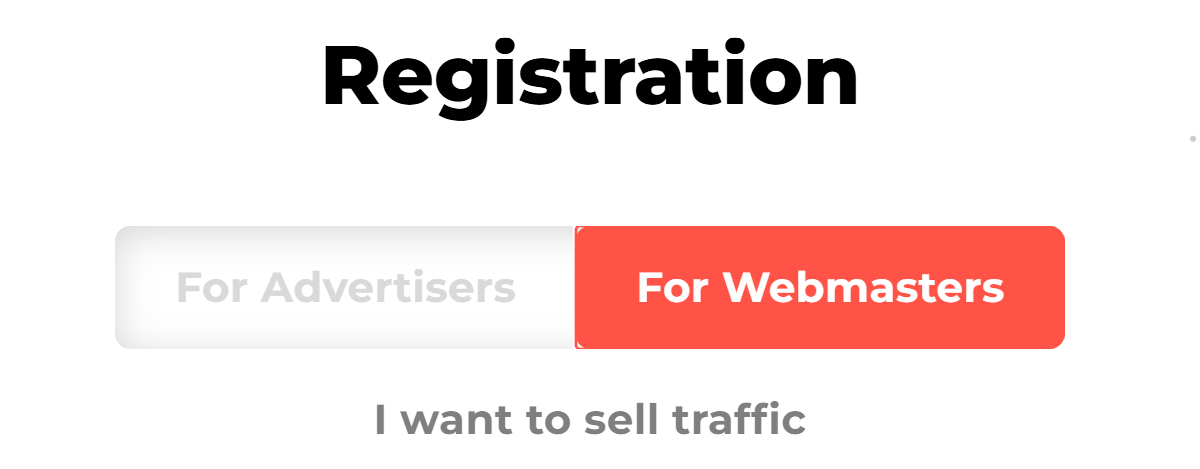
- At the top of the registration form, select For Webmasters. The selected role will be highlighted in red.
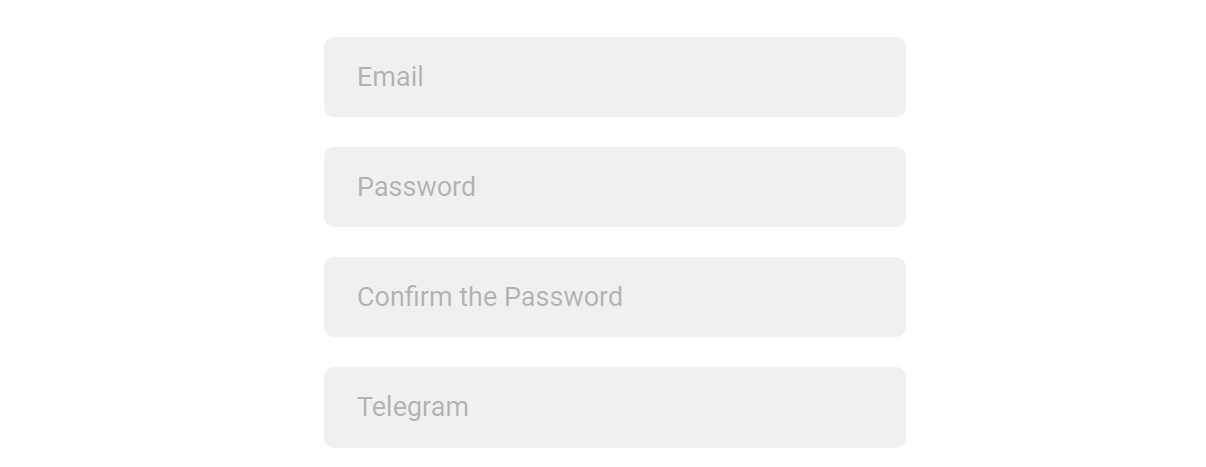
- Enter the following information Email, Password, Password Confirmation, Telegram.
Note: We use your Telegram contact to reach you quickly if needed.
4. Complete the “I’m not a robot” CAPTCHA and accept the Privacy Policy & Terms of Use.
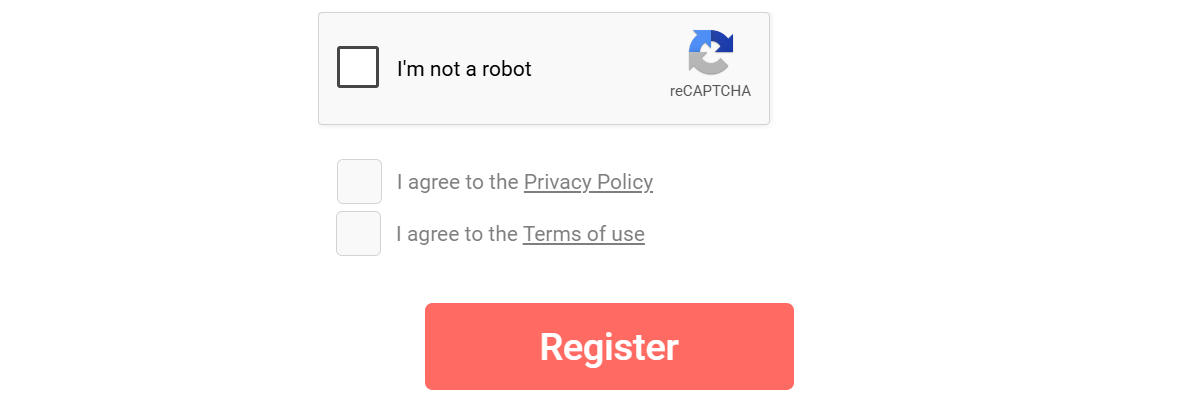
5. Click Register.
Verification
After Registration, an activation code will be sent to your email address. Enter the code to verify and activate your account.
Related
- Account verification
- Password recovery
- Create new source
Last Updated
2026-05-28 · Owner: [email protected]
No Comments