
Tracking section
Summary
This page describes how to perform a test conversion and where to view your postback log.


Once you reach this section, you can perform a test conversion. To do this, you need to:
- Select the tracker you use from the list. If it's not listed, you can use a universal postback link. (It's important to understand which macro you're passing the click_id parameter to so you can return it correctly.)
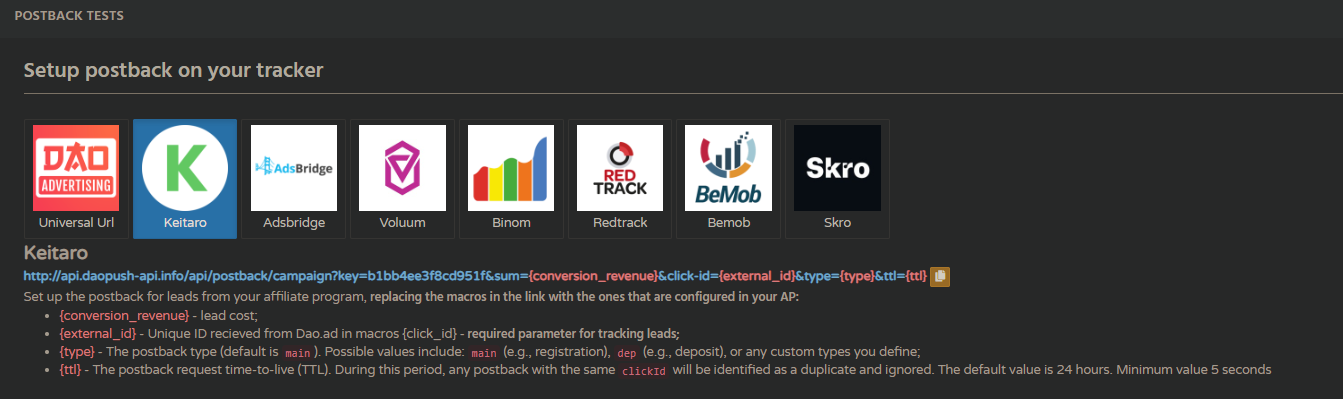
- Create a campaign with the correct link based on your tracker settings. You will then be able to select the campaign from the list (the link is automatically pulled from the campaign).
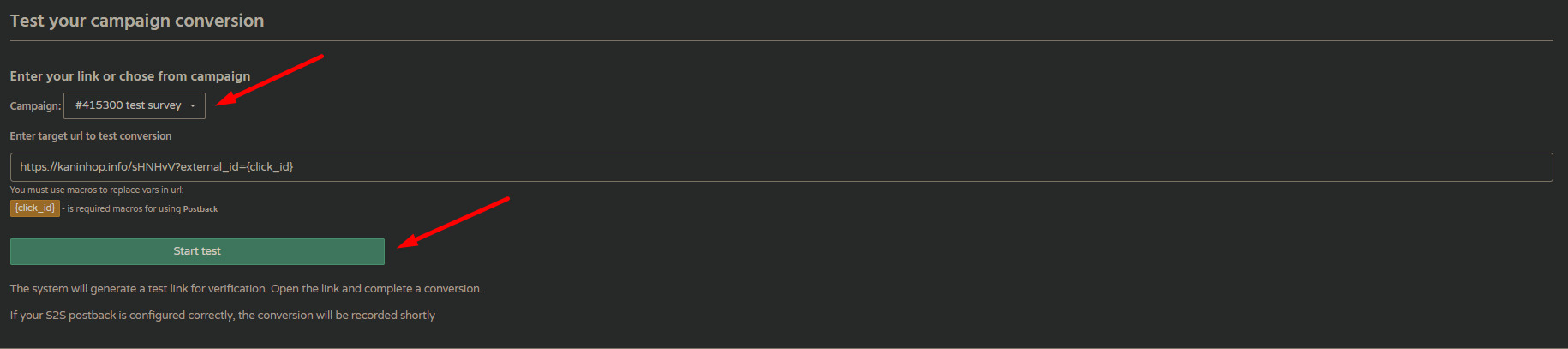
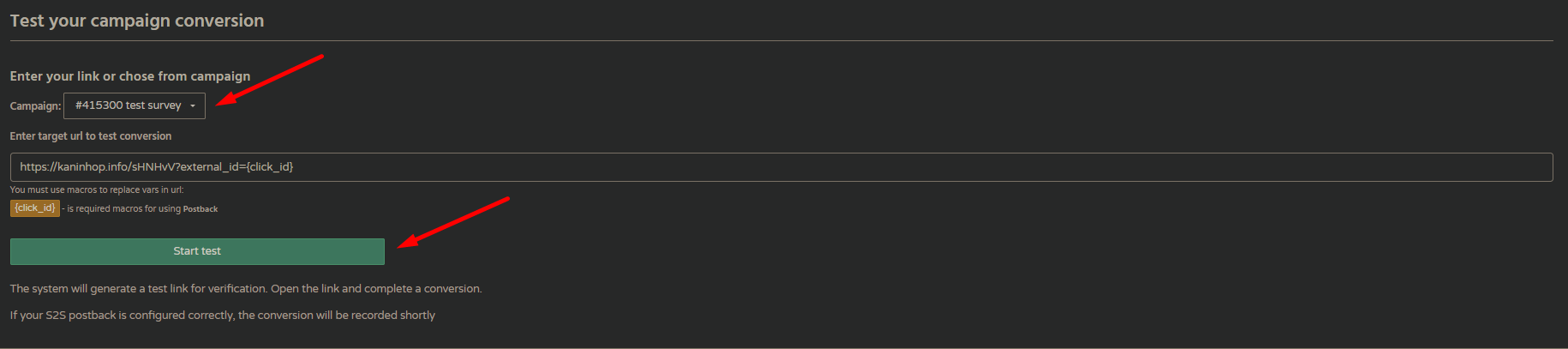
- After clicking the "Start Test" button, a link will be generated that you can use to follow the entire user flow up to lead and await the return of the postback.

- After successfully completing the lead flow, you will be able to see your conversion in the list.
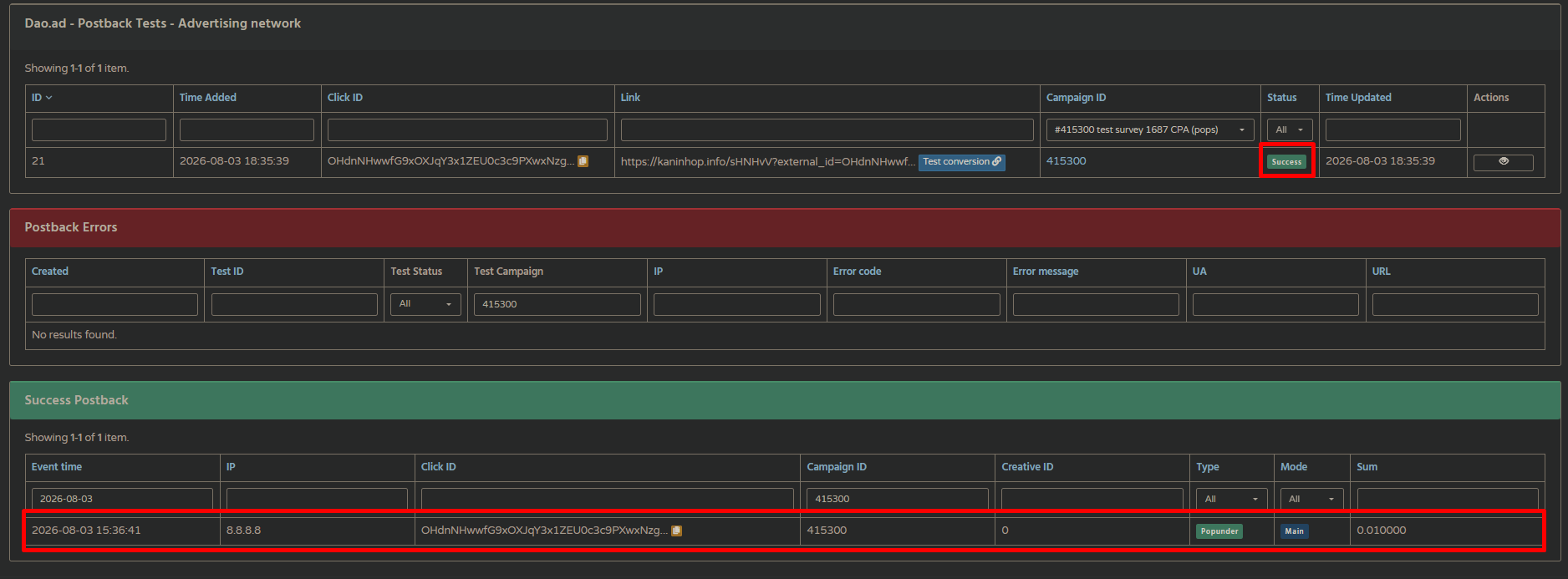
In addition, all errors will be logged in the corresponding list with a detailed description, enabling the problem to be identified as quickly as possible.