
Bemob
Summary
This guide explains how to integrate Bemob with DAO.AD for click tracking and conversion tracking.
Before You Begin
- Role: Advertiser.
- Required information:
- Access to your Bemob account
- Estimated time: 5 minutes
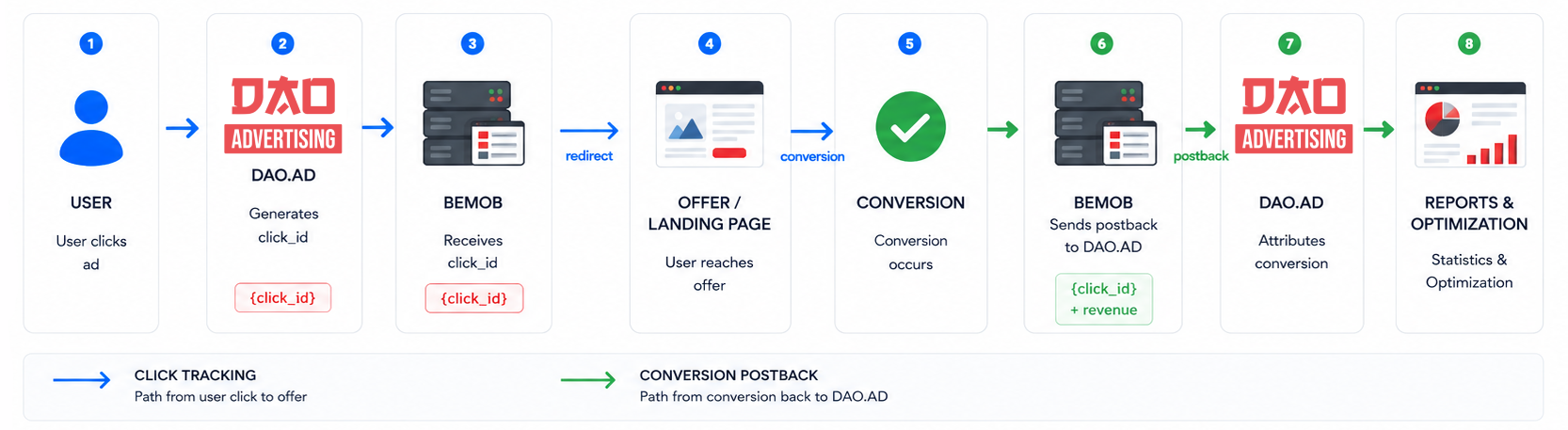
Bemob Tracking Flow
Steps
- Sign in to Bemob.
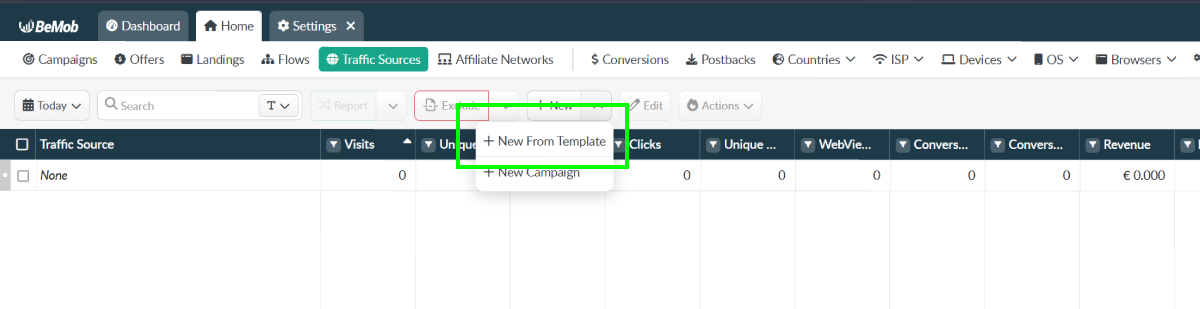
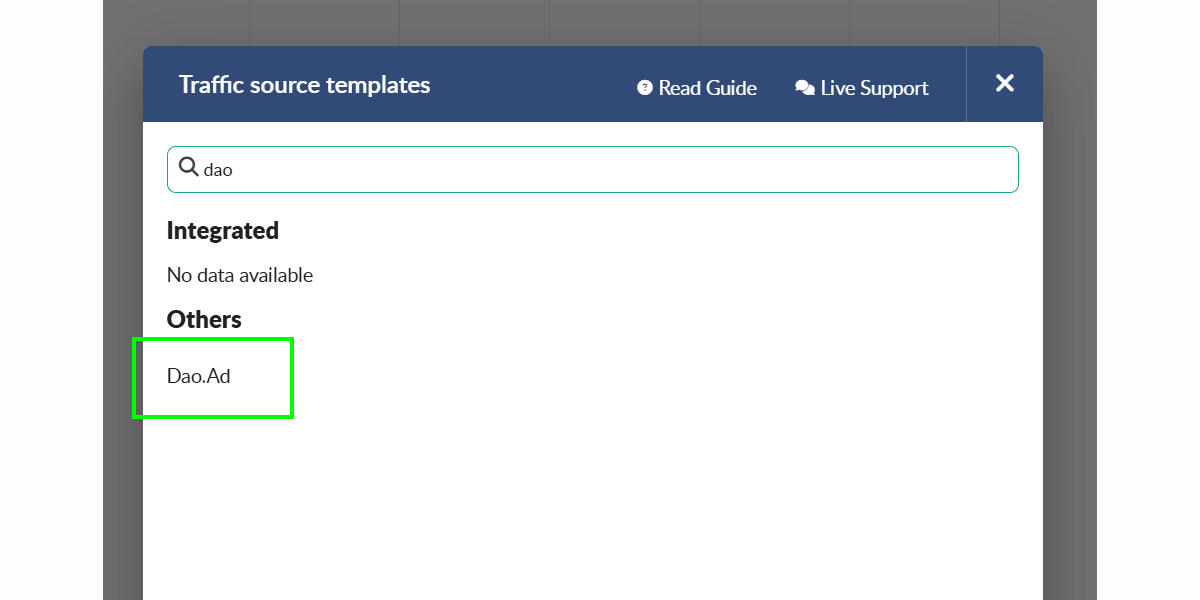
- Open the "Traffic sources" menu and select "New from template".
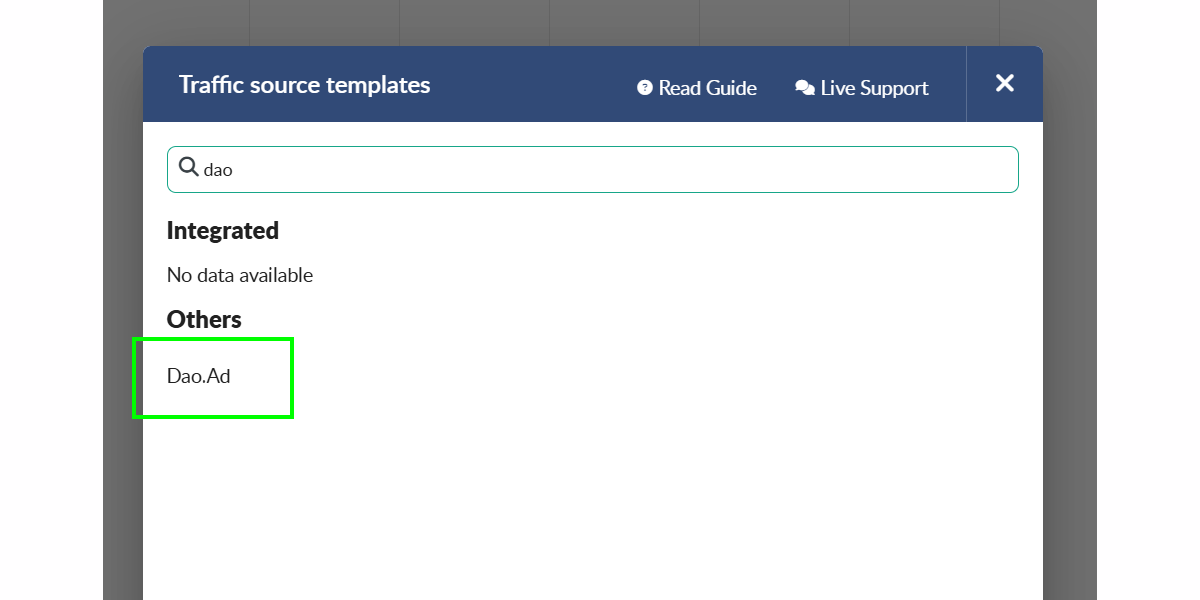
- Find "DAO.AD" in the list of predefined templates.
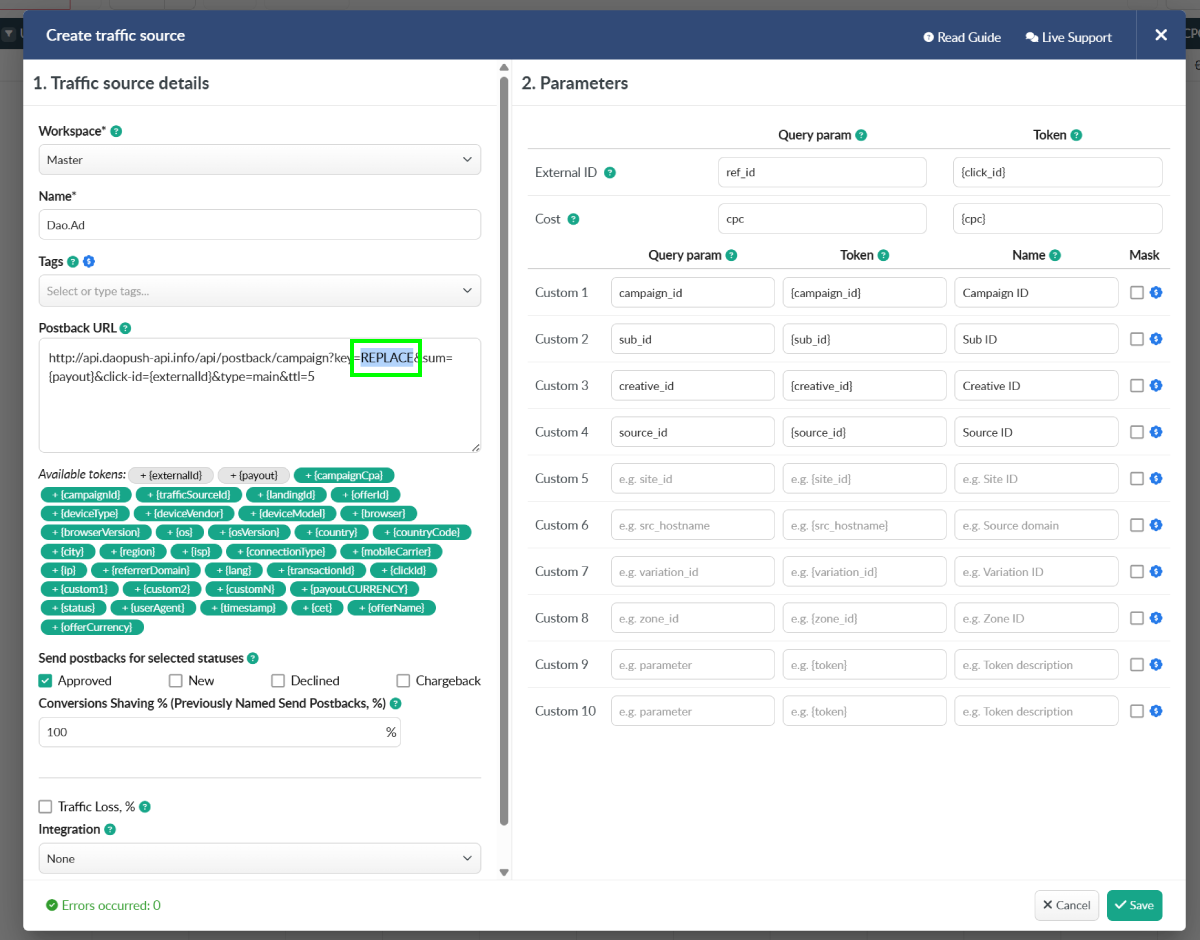
- Replace the placeholder API key with your DAO.AD API key from your DAO.AD Profile page and click Save.
- Go to "Campaigns" menu in Bemob.
- Create a campaign connected to your offer or landing page.
- Select the previously created "DAO.AD" traffic source.
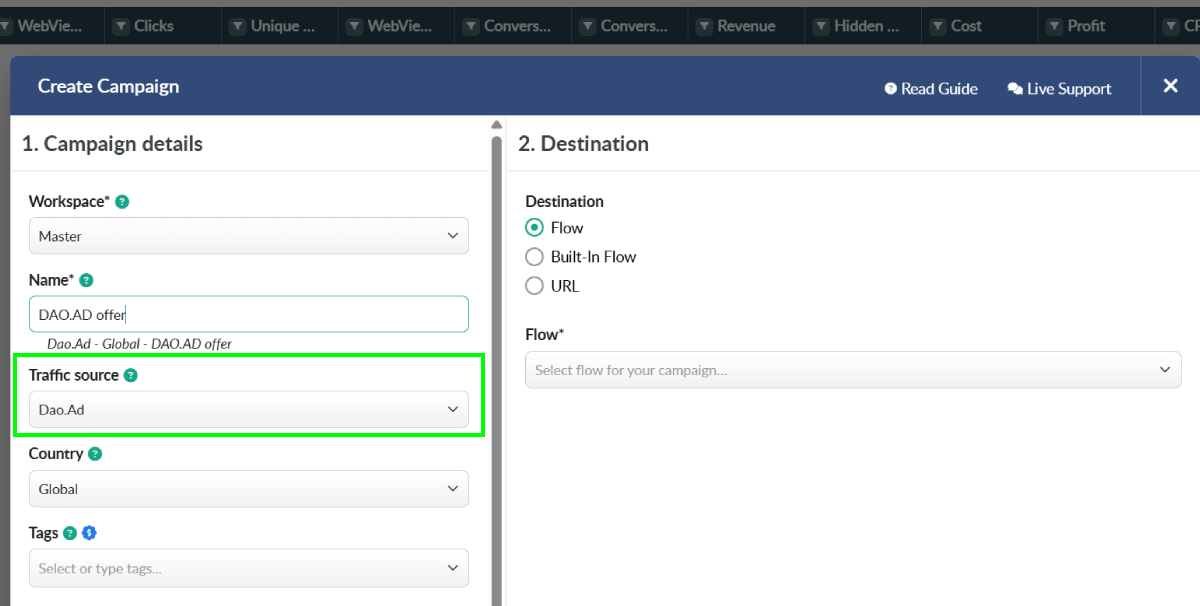
- Copy the Campaign URL by clicking the copy icon next to the Campaign URL field.
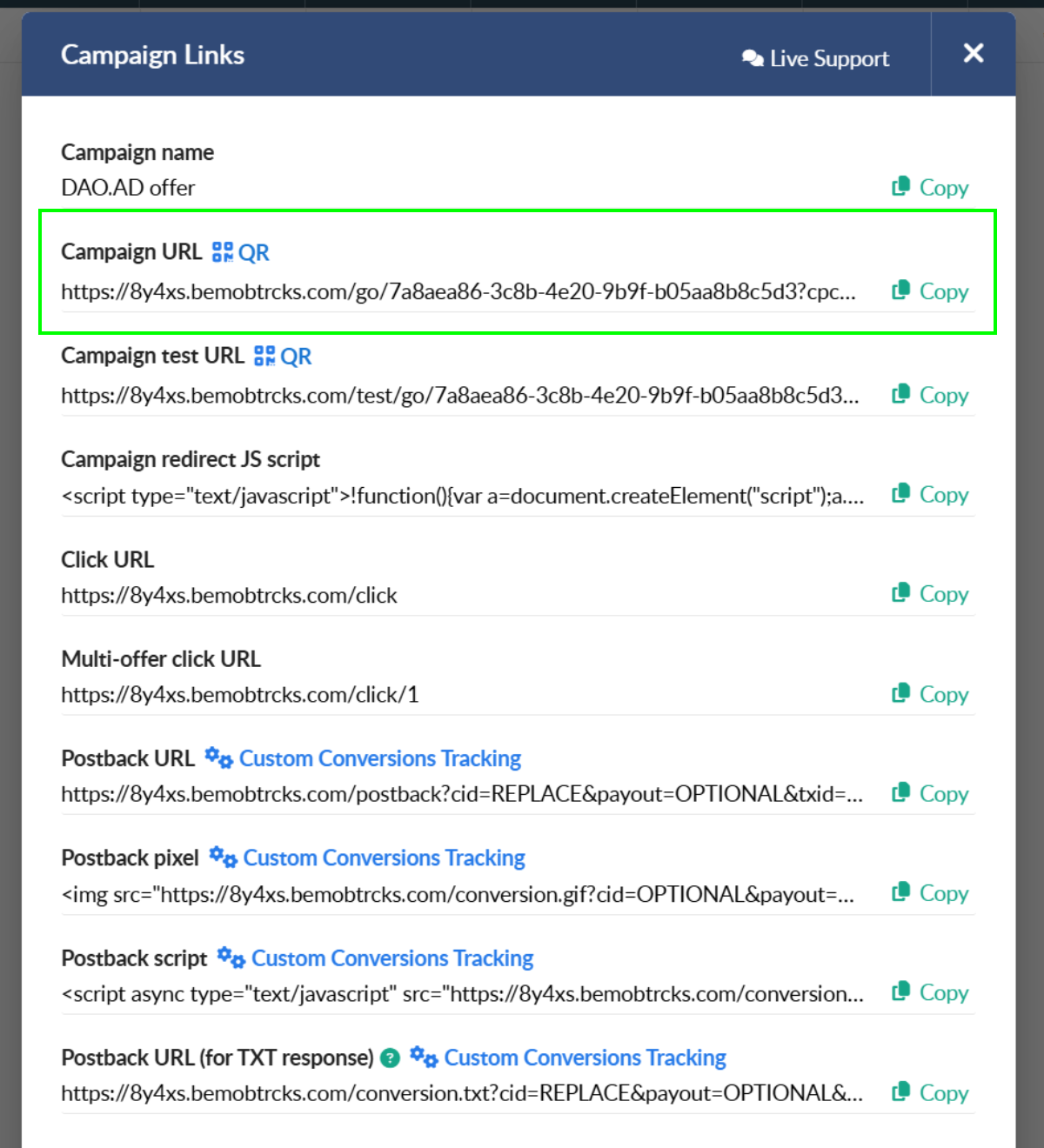
- Paste the Bemob Campaign URL into the DAO.AD Creative URL field and click Save.
How It Works
- DAO.AD generates a unique click ID and passes it to Bemob.
- Bemob stores the click ID and redirects the user to your offer.
- When a conversion occurs, Bemob sends a postback to DAO.AD containing the original click ID and conversion value.
This allows DAO.AD to attribute conversions to the correct traffic source and optimize campaign performance.