Create an account as Advertiser
How to Create an Advertiser Account on DAO.AD
- On the homepage, click the Registration button.
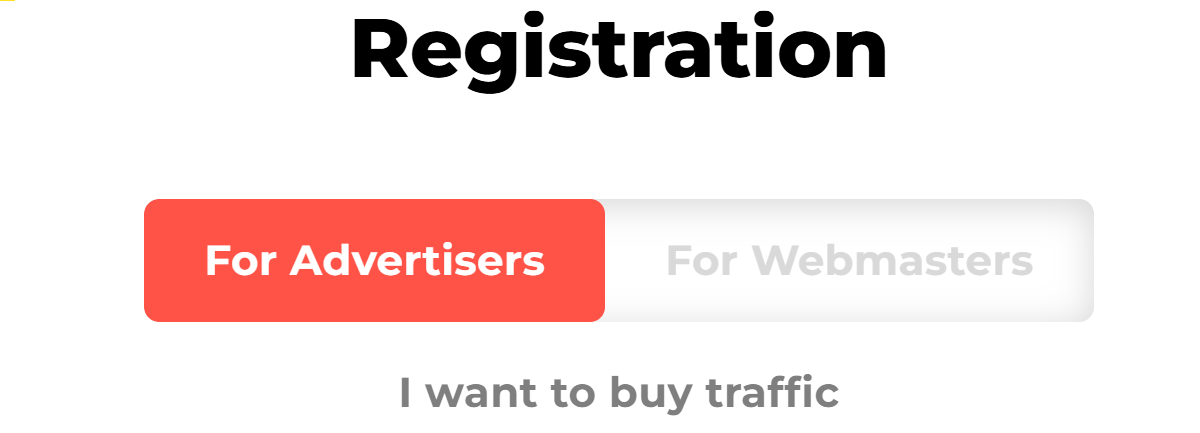
- At the top of the registration form, select the Advertiser role. The selected role will be highlighted in red.
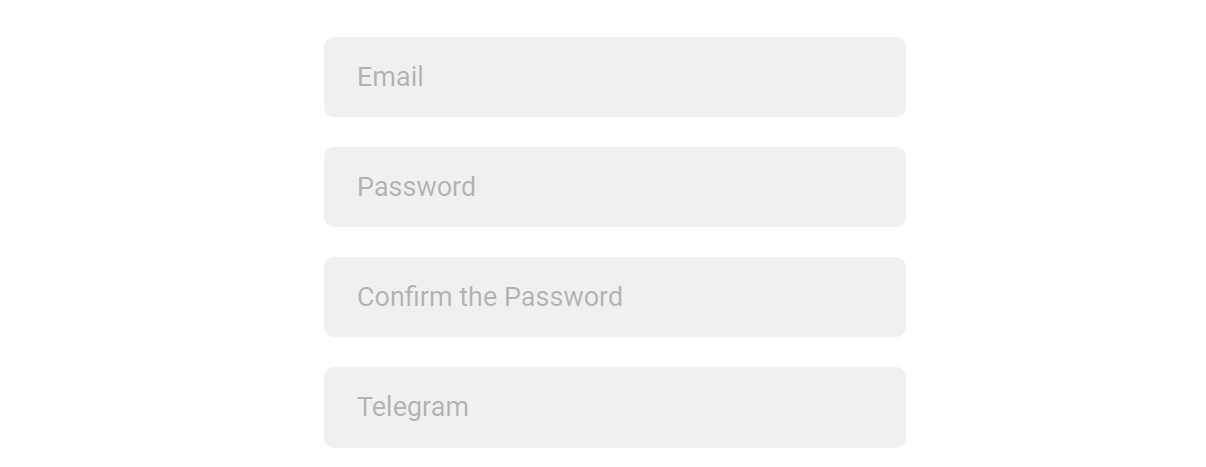
- Fill in all required fields: Email, Password, Password Confirmation, Telegram.
Note: We ask for your Telegram contact so our team can reach you quickly if needed.
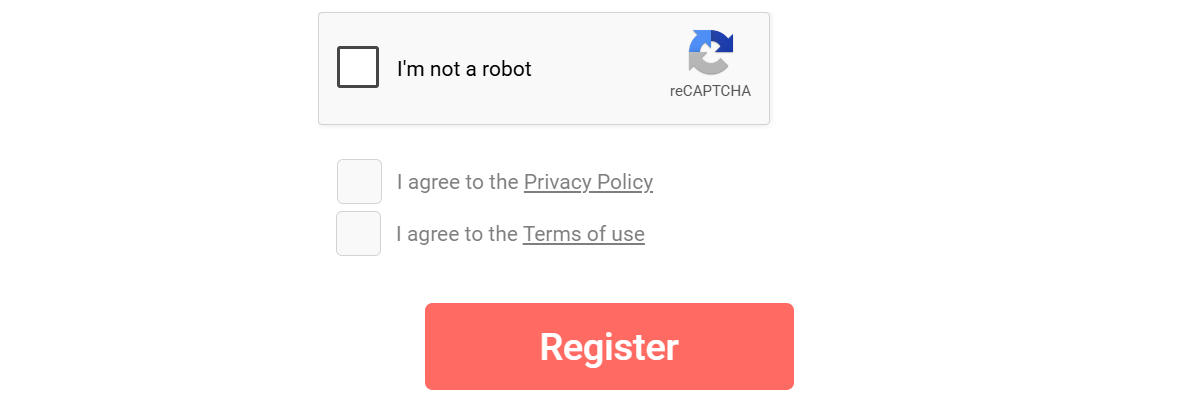
4. Complete the I'm not a robot CAPTCHA and check the box to accept Privacy Policy & Terms of Use. Click the Register button to create your account.