Create an account as Advertiser
How to create account as Advertiser in DAO.AD
- On the
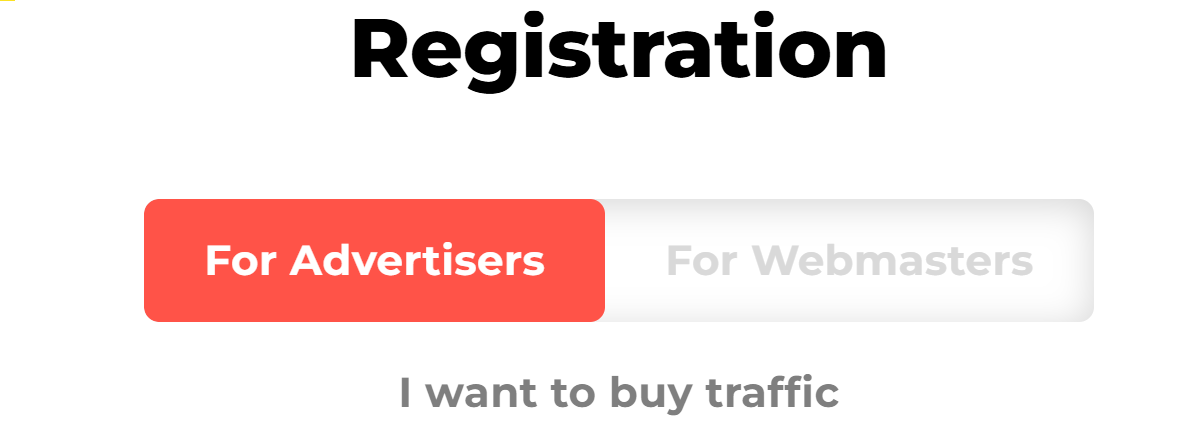
main pagehomepage, click the"Registration"Registration button. SelectAtdesiredtheRoletop of the registration form, select the Advertiser role. The selected role will be highlighted inthe form top. Selected role is colored with red in background.red.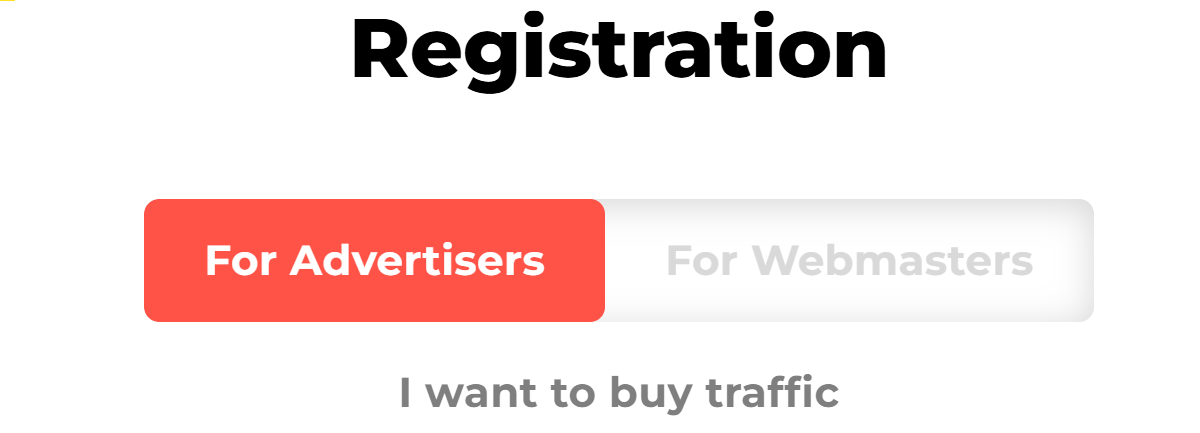
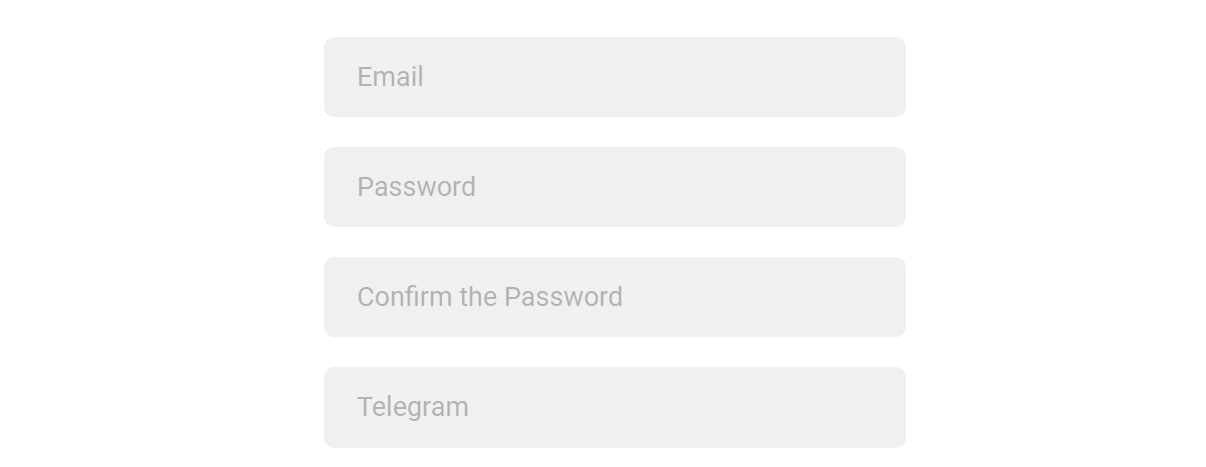
TypeFill in all requiredfieds in the form:fields: Email, Password, Password Confirmation, Telegram.
Note: We needask for your Telegram information to make quick contact withso our team can reach you quickly if needed.
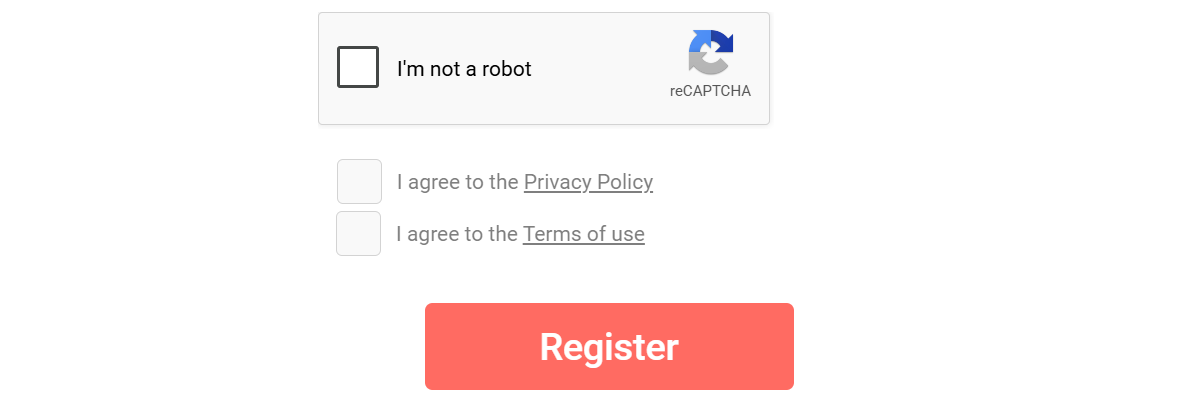
4. PassComplete the Captcha "I'm not a robot"robot CAPTCHA and check the box to accept Privacy Policy & Terms of Use. Then,Click clickthe "Register"Register button to finish.create your account.