Create an account as Advertiser
How to create account as Advertiser in DAO.AD
- At the main page click the "Registation" button.
- Select desired Role in the form top. Selected role is colored with red in background.

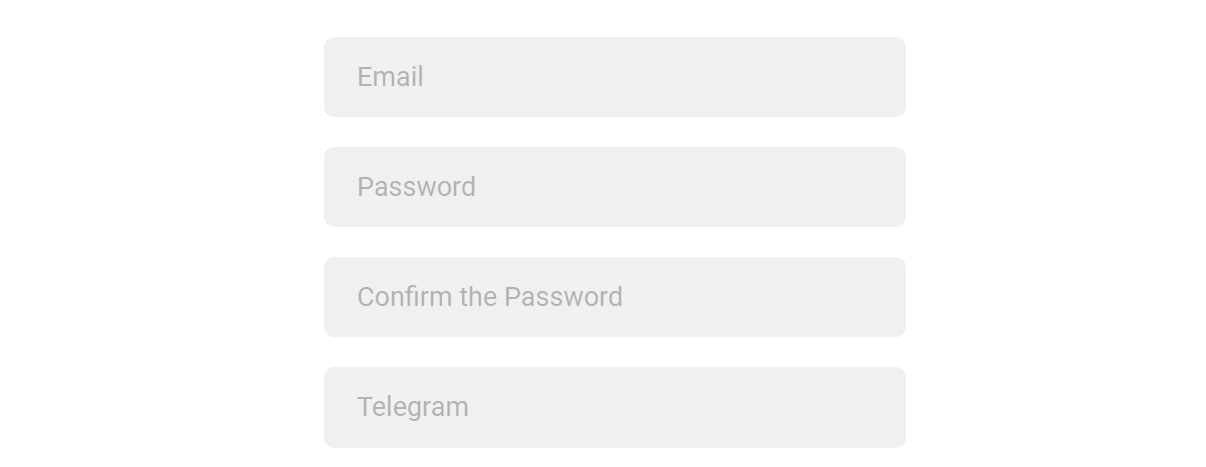
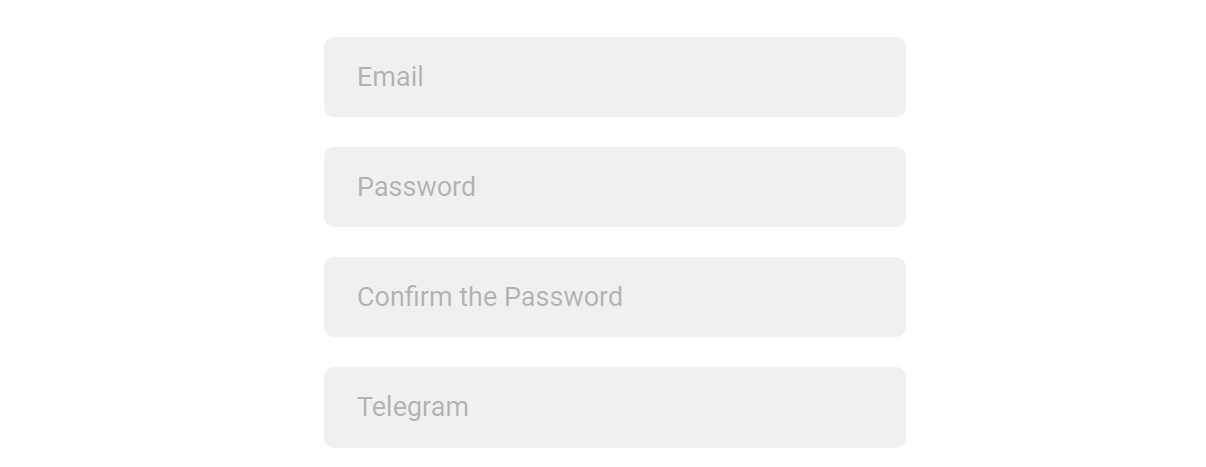
- Type all required fieds in the form: Email, Password, Password Confirmation, Telegram.
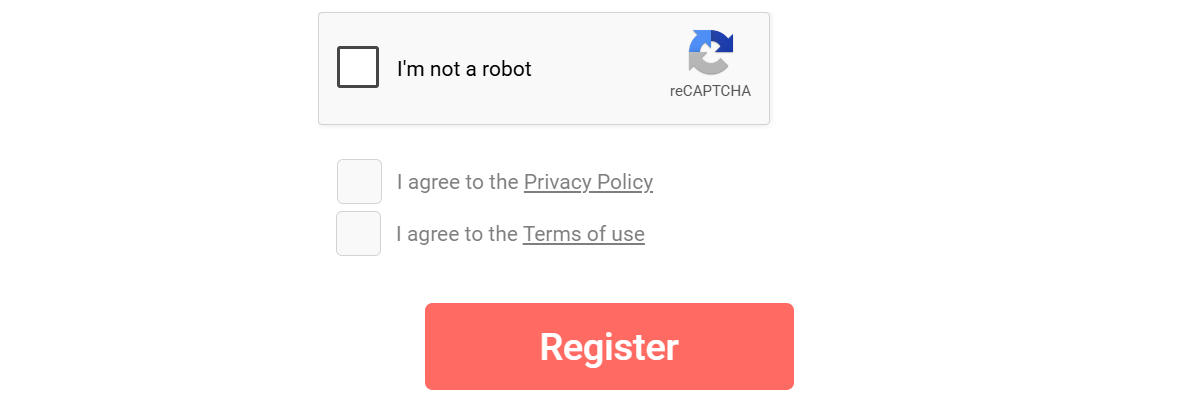
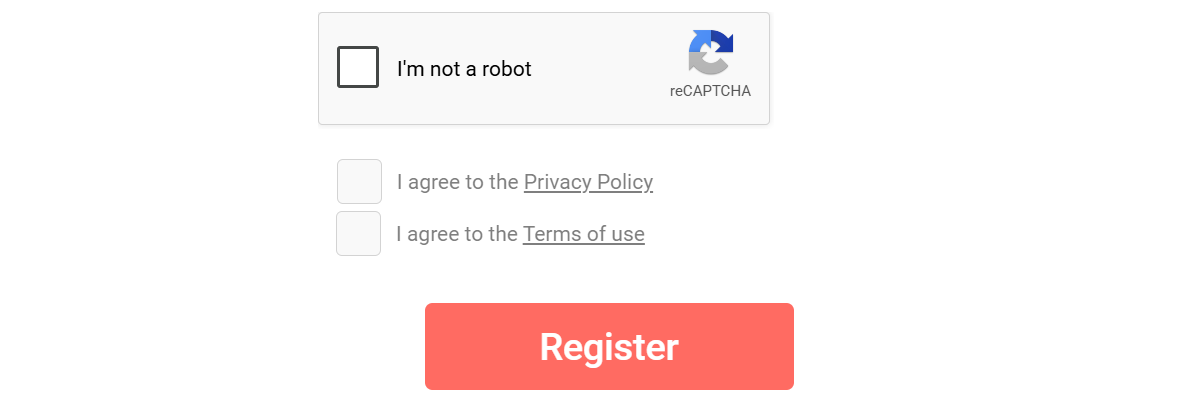
- Pass the Captcha "I'm not a robot" and check Privacy Policy & Terms of Use. Then, click "Register" button.