**Information:** Racy content may contain sexually suggestive material but is generally less explicit than Adult content.
3. Select one or more traffic quality levels from the dropdown list. 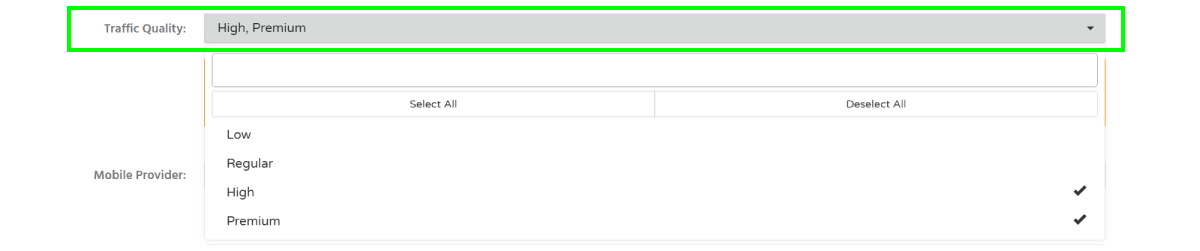We recommend using High or Premium traffic quality for better performance.
##### Troubleshooting **Issue:** My creatives were rejected due to prohibited content. **Solution:** - if your creatives contain adult or sexually suggestive content, make sure the appropriate traffic category (Adult or Racy) is selected. ##### Verification After saving the campaign, the selected categories and traffic quality levels will appear in the campaign targeting settings. ##### Related - [Traffic Type](https://wiki.dao.ad/books/terms-p-t/page/traffic-type "Traffic Type") - [Targeting by country](https://wiki.dao.ad/books/getting-started/page/targeting-by-country "Targeting by country") - [Targeting by operating system](https://wiki.dao.ad/books/getting-started/page/targeting-by-operating-system "Targeting by operation system") - [Targeting by vertical](https://wiki.dao.ad/books/getting-started/page/targeting-by-vertical "Targeting by vertical") - [Create an in-page push campaign](https://wiki.dao.ad/books/getting-started/page/create-an-in-page-push-campaign "Create an in-page push campaign")