**Important:** Never share your recovery link with anyone. DAO.AD managers will never ask for your confirmation codes or passwords.
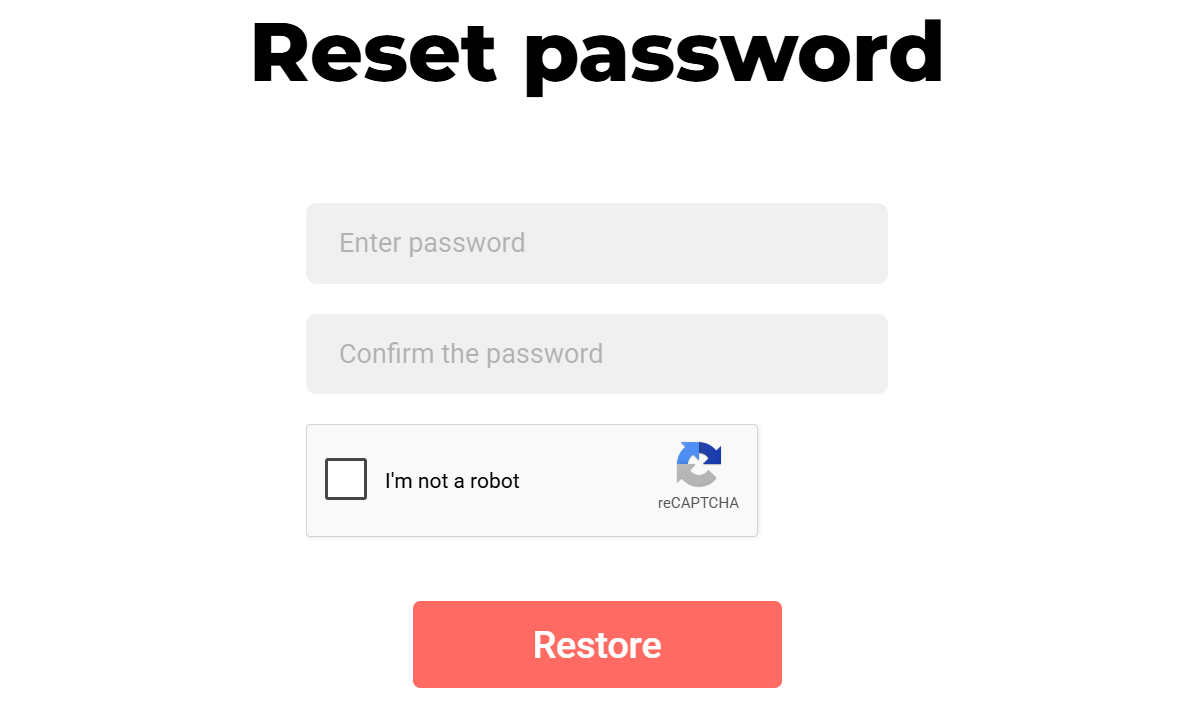
4\. Enter your new password, complete the “I’m not a robot” verification, and click **Restore**.Password should contain at least 6 characters.
#####  ##### Troubleshooting **Issue:** Recovery link not received **Solutions:** If you have not received the authorization code - check your Inbox and Spam folder; - make sure you entered the correct email address; - try logging in using a different browser; - contact DAO.AD Support **Issue:** Authorization code expired **Solution:** Restart the authorization process and request a new code. ##### Related - [Two-Factor Authentication](https://wiki.dao.ad/books/getting-started/page/two-factor-authentication "Two-Factor Authentication") - [Account verification](https://wiki.dao.ad/books/getting-started/page/account-verification) - [Create an account as Webmaster](https://wiki.dao.ad/books/getting-started-QiA/page/create-an-account-as-webmaster "Create an account as Webmaster")