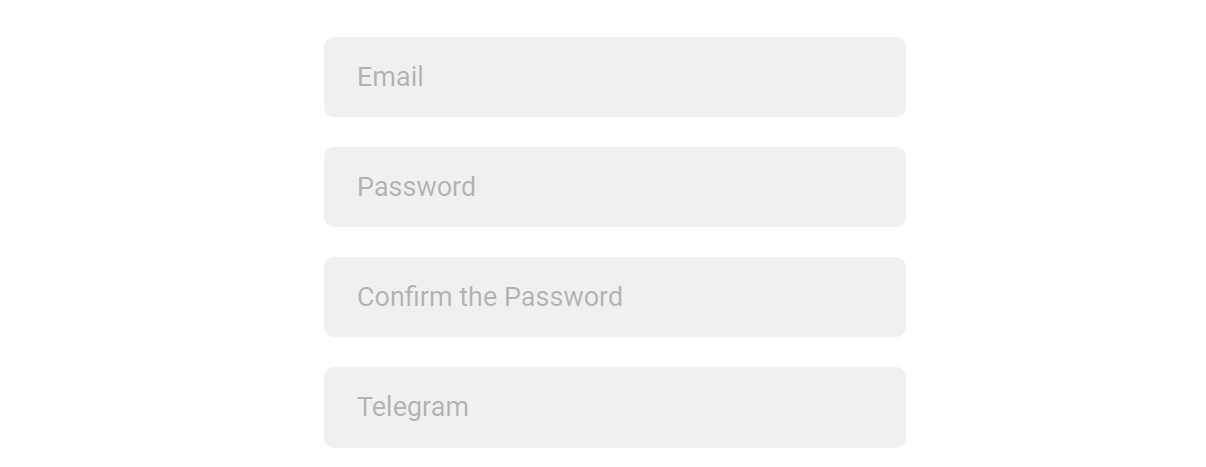
Note: We use your Telegram contact to reach you quickly if needed.
 4\. Complete the “I’m not a robot” CAPTCHA and accept the [Privacy Policy](https://dao.ad/policy) & [Terms of Use.](https://dao.ad/terms-use) 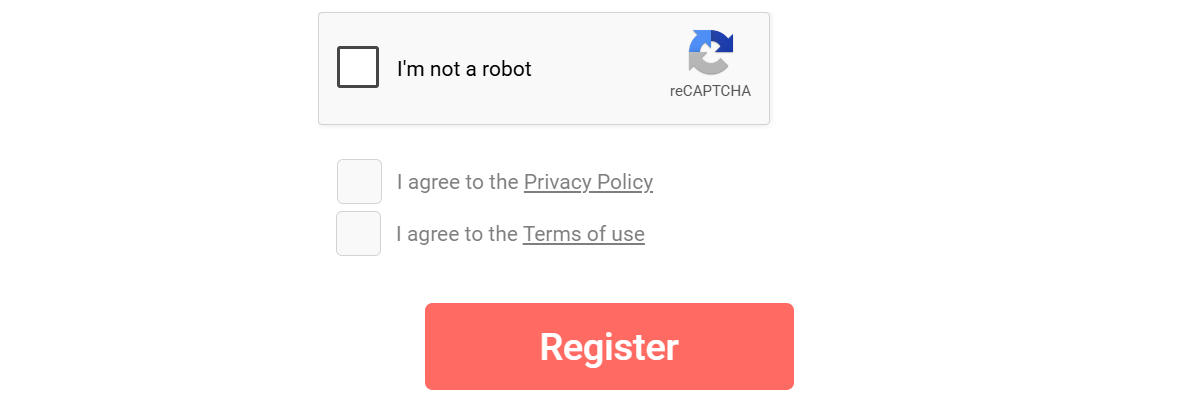 5\. Click **Register**. ##### Verification After Registration, an activation code will be sent to your email address. Enter the code to verify and activate your account. ##### Related - [Account verification](https://wiki.dao.ad/books/getting-started/page/account-verification) - [Password recovery](https://wiki.dao.ad/books/getting-started/page/password-recovery "Password recovery") - [Create a Site Source](https://wiki.dao.ad/books/getting-started-QiA/page/create-a-site-source "Create a Site Source") - [Create a Link Source](https://wiki.dao.ad/books/getting-started-QiA/page/create-a-link-source "Create a Link Source") # Account verification ##### Summary Verify your account using the activation code sent to your email address. ##### Before You Begin - Role: Webmaster - Required information: - Confirmation code - Estimated time: 1 minute ##### Steps 1. After completing [Registration](https://wiki.dao.ad/books/getting-started/page/create-an-account-as-advertiser), a confirmation email will be sent to your email address. 2. Check your inbox and make sure the sender name is DAO.AD Robot and the email address is no-reply\[@\]dao.ad. 3. Click the verification link in the email.**Important:** Never share your activation link or activation code with anyone. DAO.AD managers will never ask for your confirmation codes or passwords.
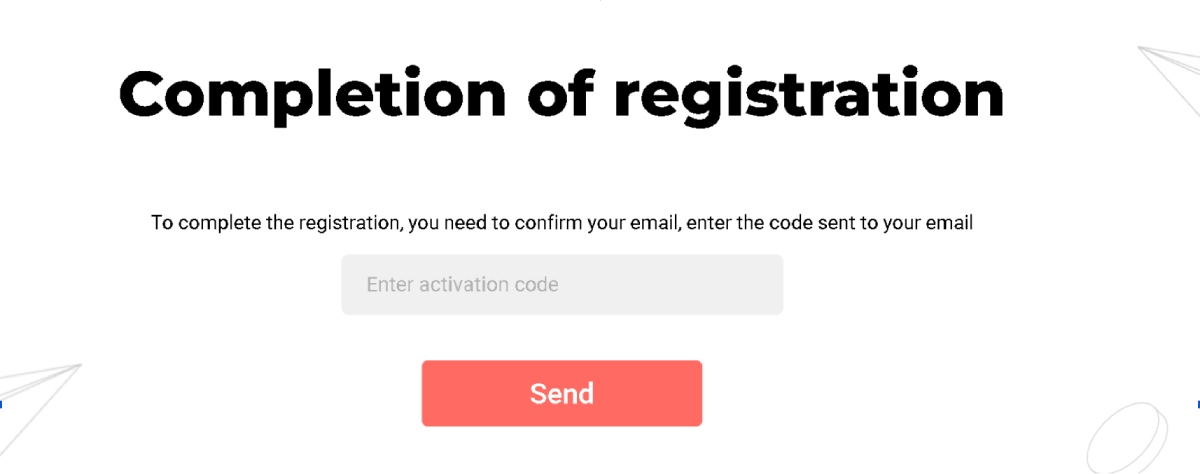 4\. After successful verification, you will be redirected to the Authorization page. ##### Troubleshooting **Issue:** Activation code not received **Solution:** If you have not received the activation code, check your Spam folder. If the email is still missing, contact DAO.AD Support. **Issue:** Incorrect account type selected **Solution:** If you selected the wrong account role during registration, contact DAO.AD Support for assistance. ##### Related - [Two-Factor Authentication](https://wiki.dao.ad/books/getting-started/page/two-factor-authentication "Two-factor Authentication") - [Password recovery](https://wiki.dao.ad/books/getting-started/page/password-recovery "Password recovery") - [Site vs Link](https://wiki.dao.ad/books/getting-started-QiA/page/site-vs-link "Site vs Link") # Two-factor authentication ##### Summary Log in to the DAO.AD Dashboard using Two-Factor authentication ([2FA](https://wiki.dao.ad/books/terms/page/2fa "2FA")). ##### Before You Begin - Role: Webmaster - Required information: - 2FA code - Estimated time: 2 minutes ##### Steps 1. After entering your email address and password, a [2FA](https://wiki.dao.ad/books/terms/page/2fa "2FA") code will be sent to your email address. 2. Check your inbox and make sure the sender is DAO.AD Robot and the email address is no-reply\[@\]dao.ad. 3. Copy the authentication code from the email.**Important:** Never share your authorization code with anyone. DAO.AD managers will never ask for your confirmation codes or passwords.
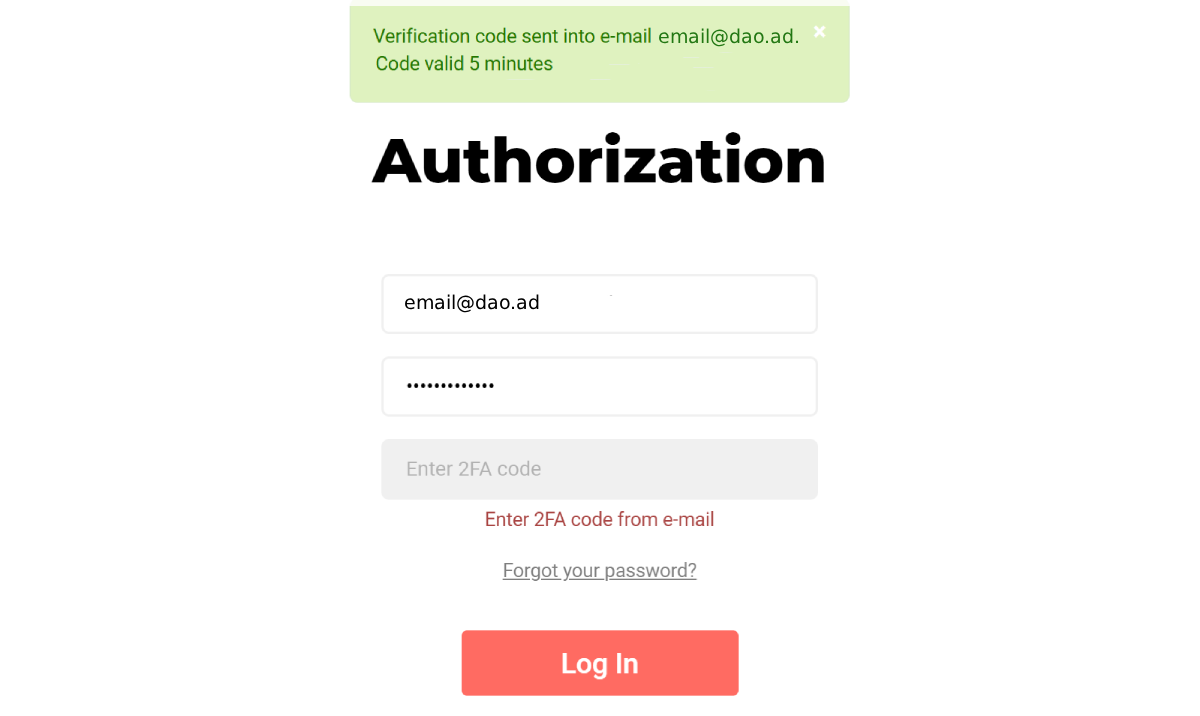 4\. After successful authorization, you will be redirected to the DAO.AD Dashboard. ##### Troubleshooting **Issue:** Authorization code not received **Solutions:** If you have not received the authorization code - check your Inbox and Spam folder; - make sure you entered the correct email address and password; - try logging in using a different browser; - contact DAO.AD Support **Issue:** Authorization code expired **Solution:** Restart the authorization process and request a new code. ##### Related - [Password recovery](https://wiki.dao.ad/books/getting-started/page/password-recovery "Password recovery") - [Account verification](https://wiki.dao.ad/books/getting-started/page/account-verification "Account verification") - [Invoices & Billing Documents](https://wiki.dao.ad/books/billing/page/invoices-billing-documents "Invoices & Billing Documents") # Password recovery ##### Summary Recover your DAO.AD password if you forgot or lost access to it. ##### Before You Begin - Role: Webmaster - Required information: - Email address - Estimated time: 3 minutes ##### Steps 1. Enter the email address associated with your DAO.AD account. 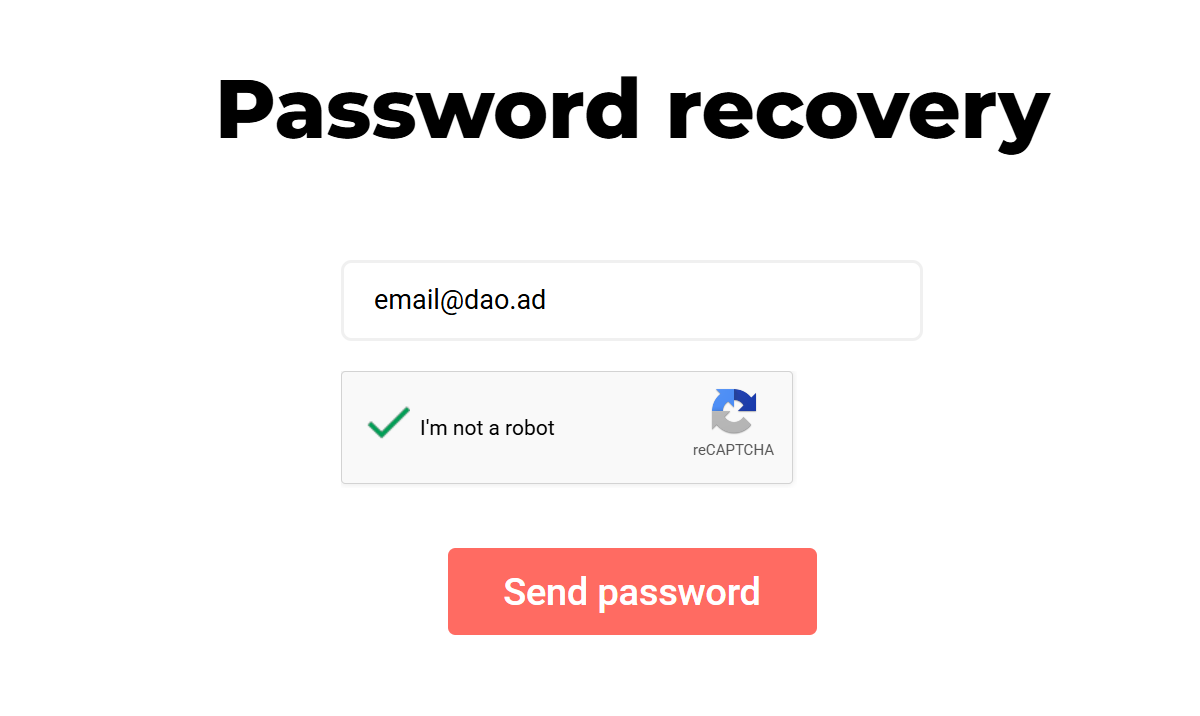 2. Check your inbox and Spam folder. The recovery email will be sent from no-reply\[@\]dao.ad. 3. Click to the recovery link in email.**Important:** Never share your recovery link with anyone. DAO.AD managers will never ask for your confirmation codes or passwords.
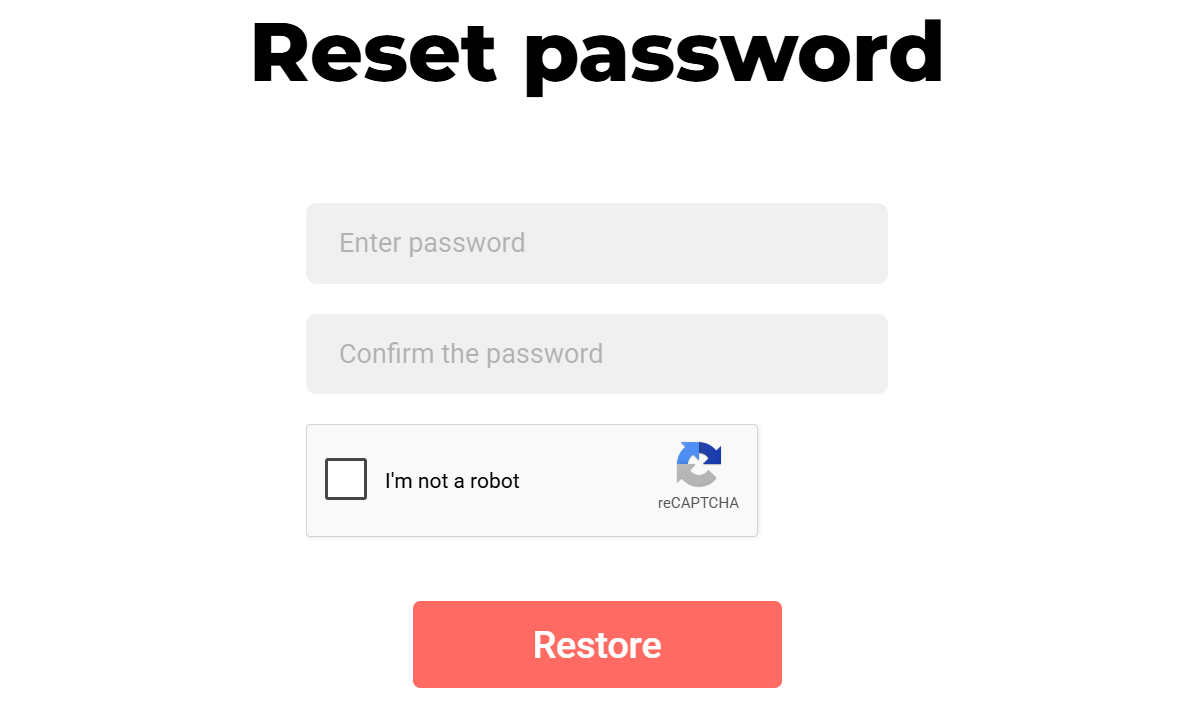
4\. Enter your new password, complete the “I’m not a robot” verification, and click **Restore**.Password should contain at least 6 characters.
#####  ##### Troubleshooting **Issue:** Recovery link not received **Solutions:** If you have not received the authorization code - check your Inbox and Spam folder; - make sure you entered the correct email address; - try logging in using a different browser; - contact DAO.AD Support **Issue:** Authorization code expired **Solution:** Restart the authorization process and request a new code. ##### Related - [Two-Factor Authentication](https://wiki.dao.ad/books/getting-started/page/two-factor-authentication "Two-Factor Authentication") - [Account verification](https://wiki.dao.ad/books/getting-started/page/account-verification)